An app can turn a single photograph into a confident style label and a long shopping list. The useful question is smaller: does any of its advice help you choose clothes that fit, feel comfortable and suit your day? Before replacing your wardrobe, examine the picture behind the recommendation. Camera position, lighting and the clothes already in the photograph can change what is visible. A short, controlled outfit comparison gives you better grounds for a purchase than a label alone.
Work out what the app is claiming
Separate the different jobs hidden inside “AI style advice.” A tool might describe the outline of an outfit, suggest coordinating colors, assign a named body category or produce a picture of you wearing imaginary clothes. Those outputs answer different questions. An attractive generated outfit does not establish how a real garment will fit, and a classification does not explain whether a waistband will feel comfortable after an hour at a desk.
Read the explanation accompanying the result. Does it mention something observable, such as a high-contrast top and trousers, or make a broad assertion about your identity? A useful suggestion might be “try the same trousers with a shorter shirt.” You can test that. “This is the only silhouette for your type” is a much larger claim, and the confidence of the wording gives you no independent reason to accept it.
When looking for an AI fashion recommendation using body shape, color analysis and images, decide which clothing question matters first. You may want alternatives to a blouse that pulls across the back, or ideas for combining a navy skirt. State the occasion, climate, coverage preferences and shoes you need. A recommendation that ignores a closed-shoe office rule or a walking commute has missed the task, however plausible its visual explanation sounds.
Take photos that answer a clothing question
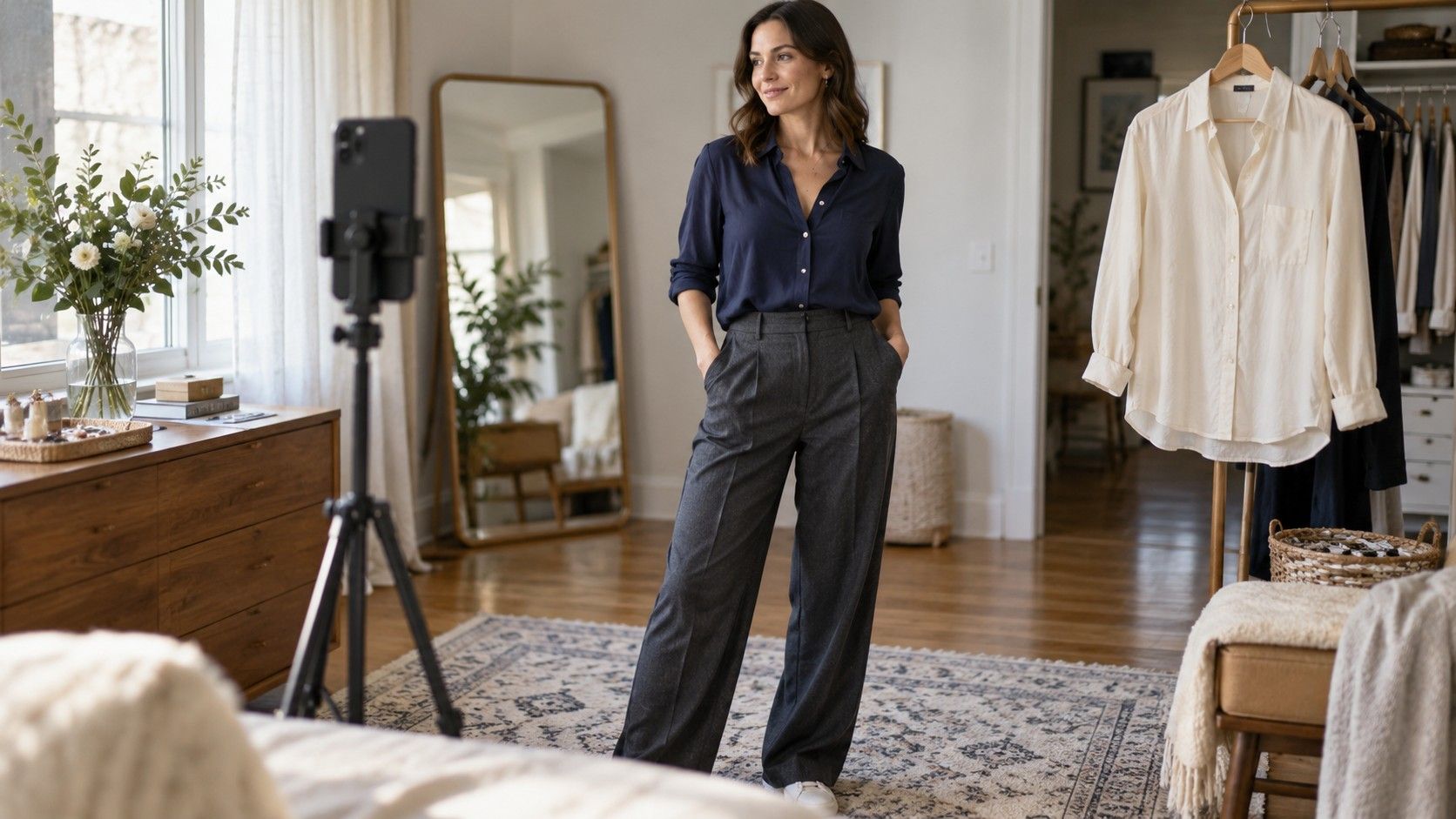
Use an ordinary, fully clothed photograph suitable for the decision. There is no need to submit revealing images to explore a shirt length or trouser shape. Wear familiar garments whose fit you can describe, and choose a plain background with enough separation to see the hems. Keep arms relaxed rather than pressing them against the torso or adopting a pose chosen to change the visible outline.
Place the camera at a consistent height and stand far enough away to avoid a close wide-angle view. Keep the device level and the whole relevant outfit in frame. A front image may show the overall arrangement, while a side image can help you inspect fabric hanging at the waist. Only supply additional views if you are comfortable doing so and understand how the service handles them.
Use steady, indirect light. A bright window behind you can leave the clothes in shadow; a strong overhead light can produce shadows that look like changes in contour. For color questions, avoid colored light and strongly colored surfaces nearby. Leave filters and portrait effects off where possible. The aim is a clear record of the clothes, not a flattering portrait or a photograph that proves a preferred result.
Keep your own written observations beside the image. “Sleeves feel tight when reaching” is information a static photo may not reveal. So are a scratchy lining, a waistband that rolls and a dress that restricts your stride. Include those details when asking for alternatives. The most relevant part of garment fit is sometimes the part the camera cannot see.
Spot camera and lighting distortions
Compare a full-length mirror view with the photograph before interpreting the result. A phone tilted upward or downward can change the apparent relationship between upper and lower parts of the outfit. Standing close to a wide-angle camera can exaggerate nearer areas. If a proportion looks surprising in the image but ordinary in the mirror, repeat the picture with the camera farther away and level before drawing a wardrobe conclusion.
Check clothing details that can mislead the eye. A dark sleeve against a dark wall may disappear; a loose shirt may conceal where the waistband sits. A bag strap can pull a blouse sideways, and a folded hem can create an apparent shape the garment does not normally have. These are reasons to improve the input or limit the question, rather than explanations of your body.
| What looks uncertain | Possible photo issue | Useful next check |
|---|---|---|
| Trouser length looks different between pictures | Changed camera tilt or footwear | Repeat with level camera and the same shoes |
| A top appears warmer in one image | Different light or automatic color adjustment | Compare garments together in steady daylight |
| A sleeve seems unusually wide | Arm position or fabric caught under a strap | Relax the arm and remove the bag |
| The generated outfit looks perfectly smooth | The image does not show real fabric behavior | Try the closest real garment while sitting |
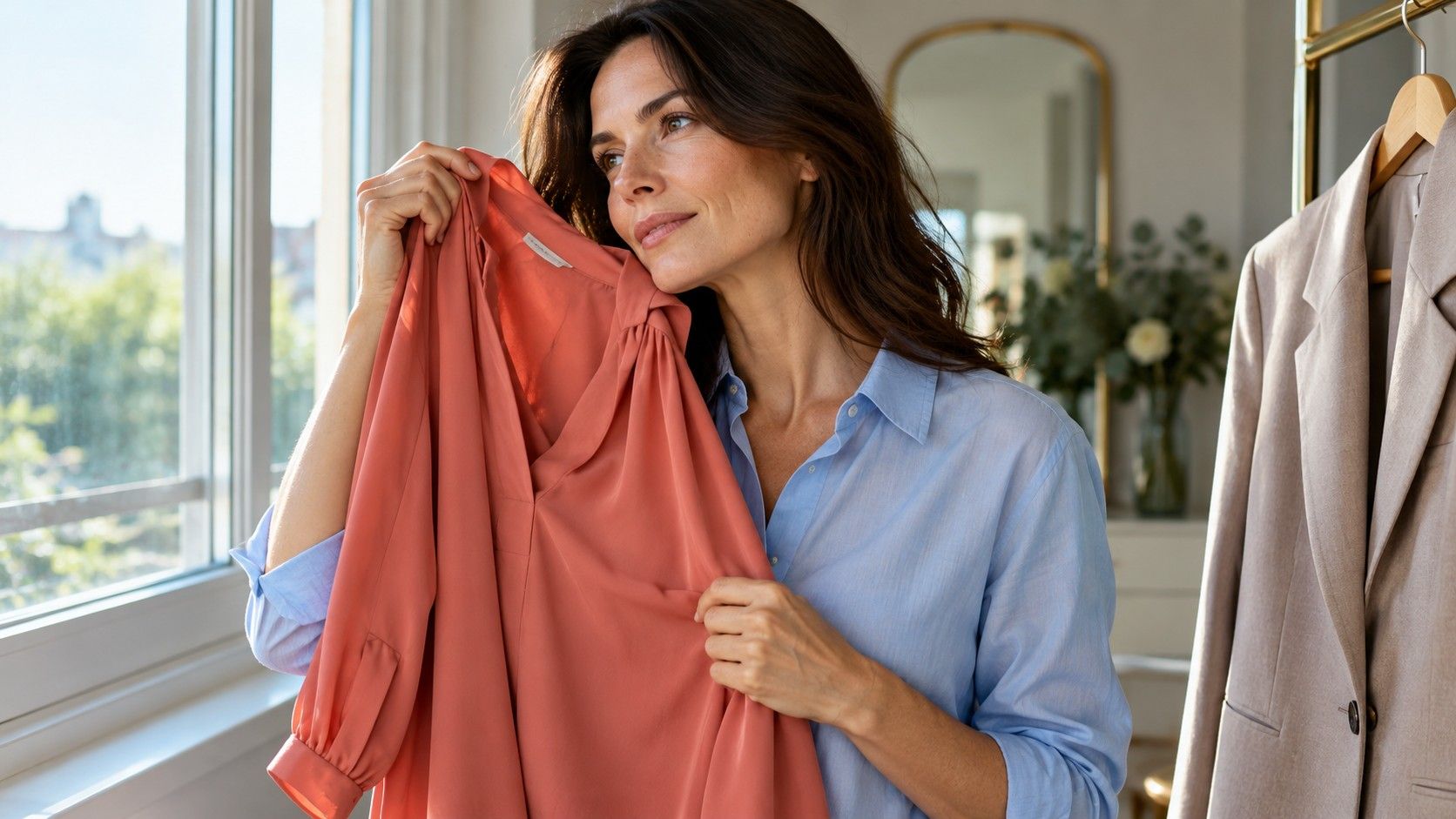
Phone processing can adjust exposure and color between frames even in the same room. If you move from a white shirt to a black one, the camera may alter the overall brightness. Use the pictures to remember combinations, and compare the real fabrics near your face as well. A screen image cannot reliably settle every subtle distinction between a warm, cool, bright or muted shade.
Notice whether the output has changed the garment itself. A generated preview may show a different sleeve opening, a narrower collar or a smoother waist than the product photograph. Treat it as a styling sketch. Check the real item's construction, fabric information and sizing before spending money; the preview is not evidence of those details.
Test a recommendation with clothes you own
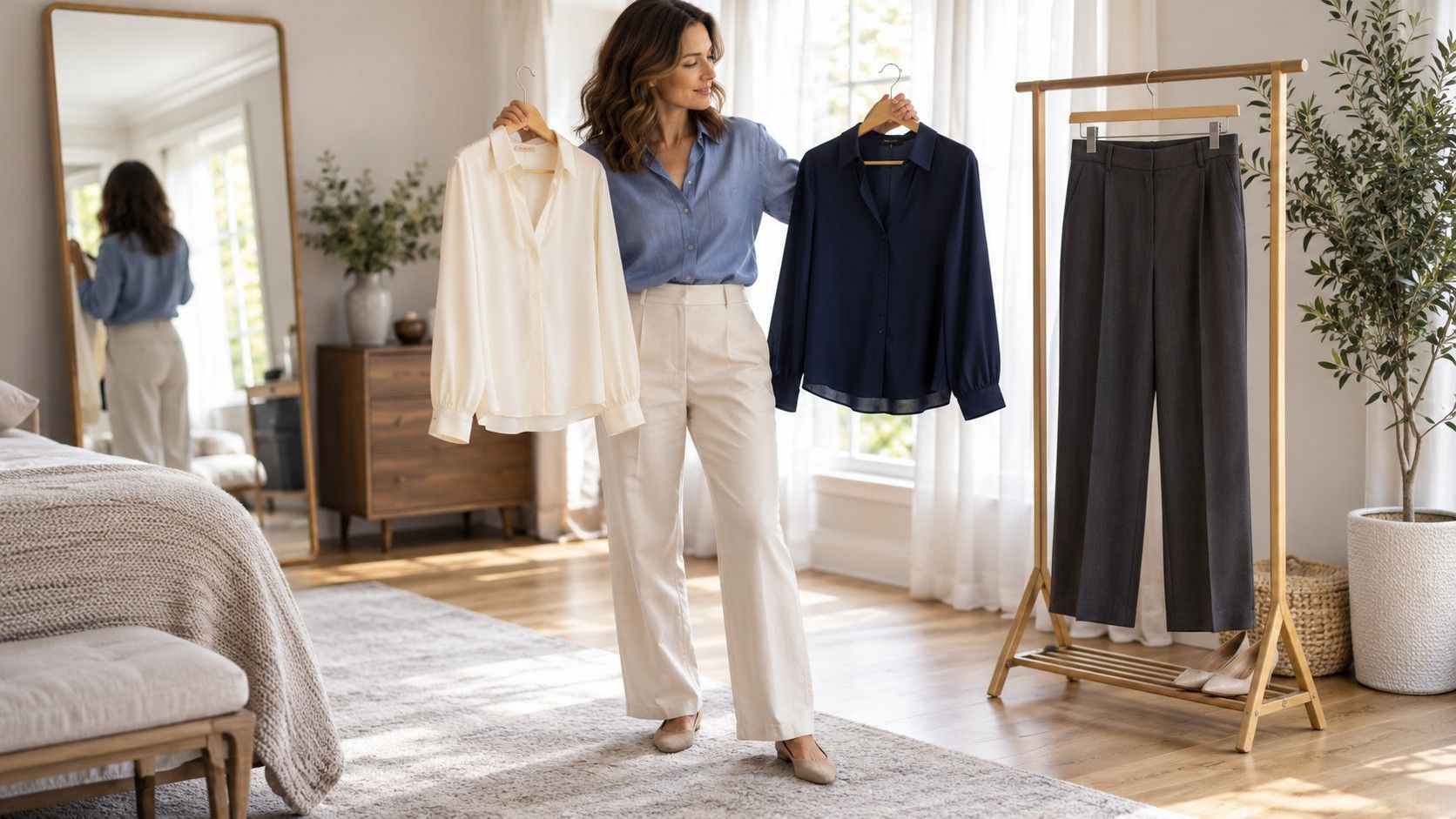
Choose one suggestion that can be reversed in a minute. If the app recommends a clearer waist, compare the same shirt loose and partially tucked. If it suggests lower contrast, try a top closer in depth to your trousers while keeping the shape similar. Changing shoes, neckline, color and silhouette together makes it hard to identify which adjustment you liked.
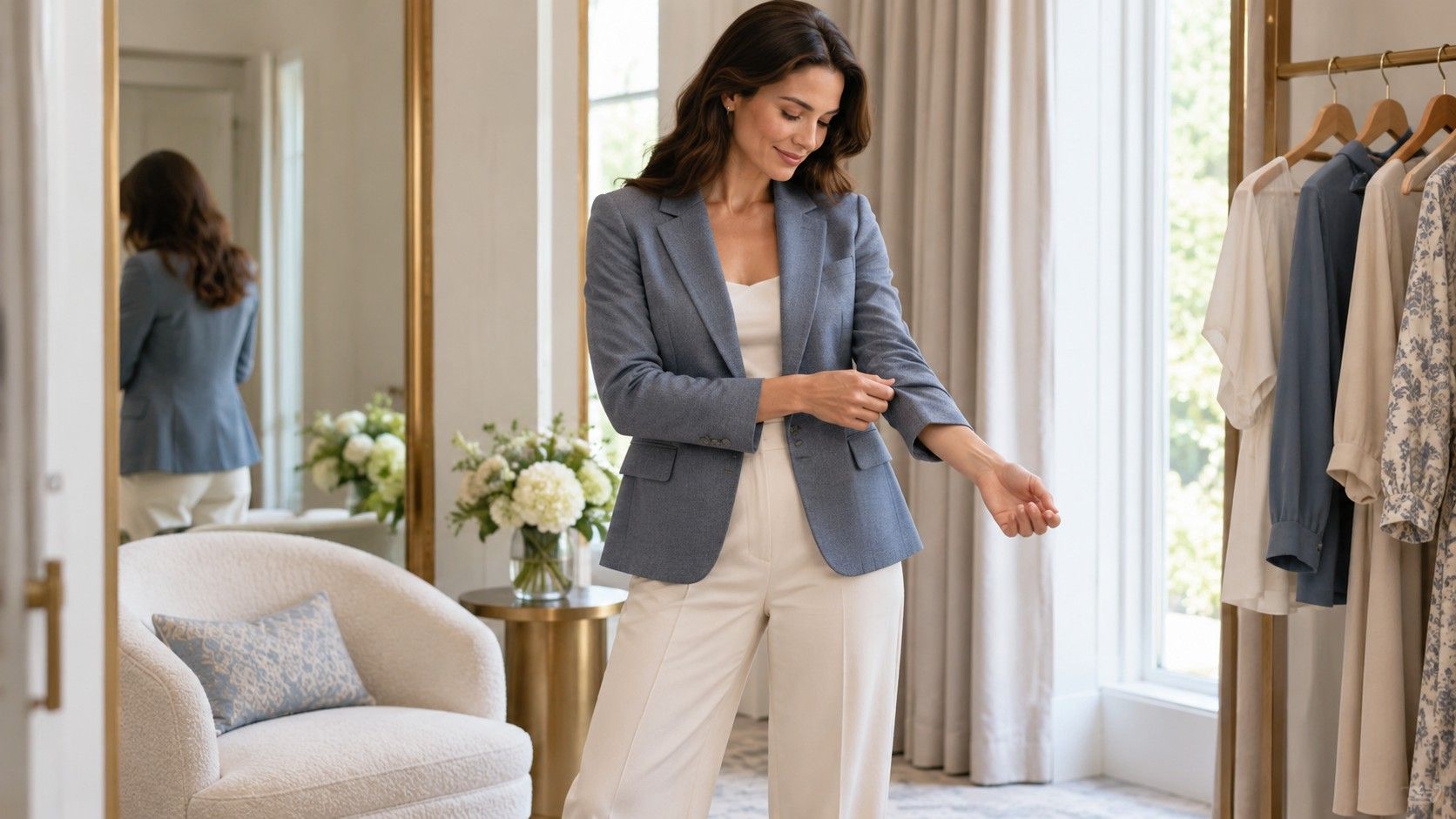
Give each option the same movement test. Sit at a table, reach forward and walk at your usual pace. Watch whether the hem stays comfortable and whether the tuck creates unwanted bulk. A recommendation can look appealing from the front yet become annoying when you carry a laptop bag or sit down. That is useful evidence about the outfit, regardless of the category behind the suggestion.
Record two separate judgments: how much you like the appearance and how easy the clothes are to wear. A sharper jacket might be your preference for a short presentation, while a softer cardigan works better for an afternoon at the computer. You do not need one permanent winner. The occasion gives the comparison a purpose and prevents a vague “most flattering” score from deciding everything.
If the first attempt fails, identify the specific reason before rejecting the idea. A short shirt that pulls at the buttons has a fit problem; it does not prove that all shorter tops are unsuitable. Try a garment with enough room, or leave the result undecided until a suitable example is available. Buying several items to prove an app's theory defeats the point of a low-cost experiment.
Handle uncertain labels and private photos
A result that changes from one photograph to the next is a reason to keep the label provisional. Save the practical observations instead: a particular neckline stays comfortable, medium contrast feels easy to combine, or a straight hem works with your favorite trousers. Those details remain useful even if two tools assign different categories. There is no obligation to keep submitting pictures until the answers agree.
Before uploading, look for the service's explanation of image storage, deletion and use. Check whether photos may be retained, reviewed or used to improve systems, and whether account deletion also addresses uploaded images. If that information is missing or unclear, you can decline to upload. An outfit experiment does not require handing over a personal image to an unfamiliar service.
Inspect the whole frame for details you did not intend to share: a work badge, an address on a parcel, family photographs or another person in a mirror. Crop those out before sending the image. Avoid uploading photographs of someone else without their permission. Keep only the views needed for the question, and remember that removing your face may reduce obvious identification without making every image anonymous.
End with a small wardrobe note rather than a new identity: “Try a lighter blouse with the charcoal trousers; check sleeve room; keep the comfortable shoes.” If a tool helps you reach that level of specificity, it has provided something worth testing. If the output leaves you feeling obliged to replace comfortable clothes or distrust your own preferences, close the result and return to the garments you can examine directly.